
Creating Your First Sale
This guide shows the normal flow for completing a sale at the counter.
Before you start
Check that your products, prices, and stock quantities are already entered correctly.
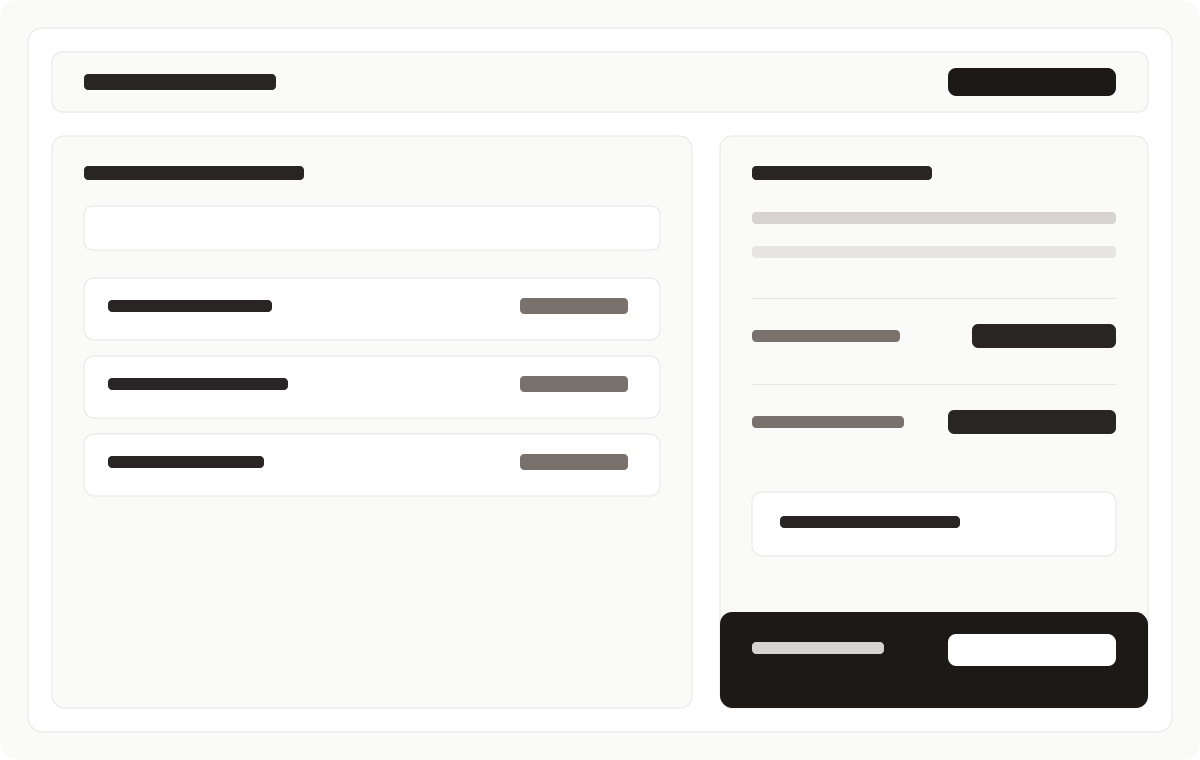
Important: Review the bill before confirming payment. It is much easier to correct a mistake before the sale is completed.
Create a sale
- Open the POS screen.
- Search for the product or scan its barcode.
- Add the product to the bill.
- Check the quantity, price, and total.
- Add the customer if needed.
- Select the payment method.
- Confirm the sale.
- Print or share the receipt if required.
If you need to fix something
Before confirming the sale, review the bill carefully. Remove any wrong item and correct the quantity or price if your role allows it.
If you notice a product problem, update it from Managing Products before continuing with more sales.
After the sale
Once the sale is completed, the transaction should appear in your sales records and reports.
If your shop prints receipts, make sure the printed total matches the bill total shown on screen.
Next: Reports Overview